
Create seamless photo montages, background swaps, and transparent PNG stickers on your phone with Cut Paste Photo Editor. No graphic design skills needed.
We have all captured photos with great personal expressions but terrible background clutter: photobombers, messy rooms, or uninspiring lighting. Traditionally, cutting out people and compositing them into picturesque landscapes required expensive desktop subscriptions and steep learning curves.
In 2026, mobile smartphone processing and intelligent edge-detection algorithms have made photo cut-and-paste workflows accessible to anyone in seconds. You can isolate yourself from an everyday selfie, drop your portrait onto tropical beaches or international landmarks, and export transparent stickers for WhatsApp and social media.
With Cut Paste Photo Editor by Bhima Apps, precision cutout tools combine with smooth feather blending to ensure your photo montages look authentic and natural rather than artificially pasted.
Featured Studio Titles & Highlights

Cut Paste Photo Editor
4.6 ★ (100K+ Downloads) • Smart Background Eraser
Seamless background removal, smart lasso selection, face swap tool, and custom photo montage studio with professional edge blending.

Photo Collage Editor & Grid
4.7 ★ (500K+ Downloads) • 500+ Layouts
Remix up to 20 photos into aesthetic collages with custom grid ratios, border radius controls, blur backgrounds, and trendy sticker overlays.
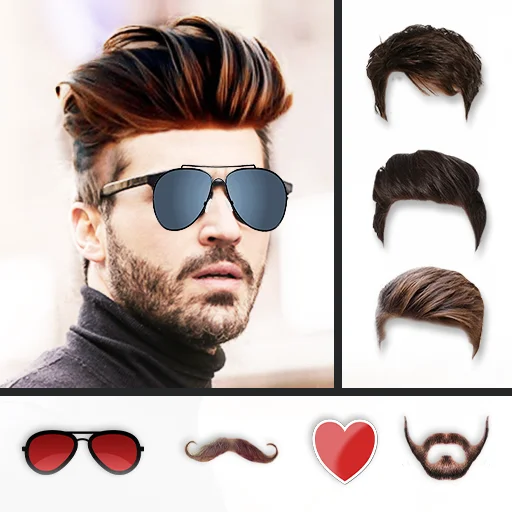
Hair Style Photo Editor
4.8 ★ (5M+ Downloads) • Virtual Makeover
Combine photo cutouts with virtual hairstyles, beard grooming, stylish sunglasses, and fashionable suits in realistic high-definition preview.
Pro Gameplay & Optimization Tactics
Use the Auto-Color Magic Wand for Solid Backdrops
If your original portrait was taken against a relatively uniform wall or backdrop, the Auto-Color Magic Wand detects color boundaries instantly, erasing the entire background in a single tap.
Refine Edges with the Soft Feather Slider
The hallmark of an amateur photo cutout is harsh, jagged pixel borders around hair and clothing. Applying a 2px to 4px Soft Feathering radius creates a natural gradient that seamlessly adopts the ambient lighting of your new background.
Match Color Temperature & Ambient Shadows
When pasting your cutout onto a warm sunset background, apply a subtle warm filter and drop a soft dark shadow beneath your subject's feet to ground them realistically in the composite.
Frequently Asked Questions
Yes! Cut Paste Photo Editor allows you to save any cutout with an alpha transparent background directly to your photo gallery for use in WhatsApp, Telegram, or video thumbnail creators.
The Face Swap feature automatically isolates facial features with oval blending masks, allowing you to paste your face onto friends' photos, movie posters, or historical portraits with smooth skin tone alignment.
No. Bhima Apps strictly follows an on-device privacy architecture. All image editing, background erasing, and compositing occur 100% locally on your smartphone processor.